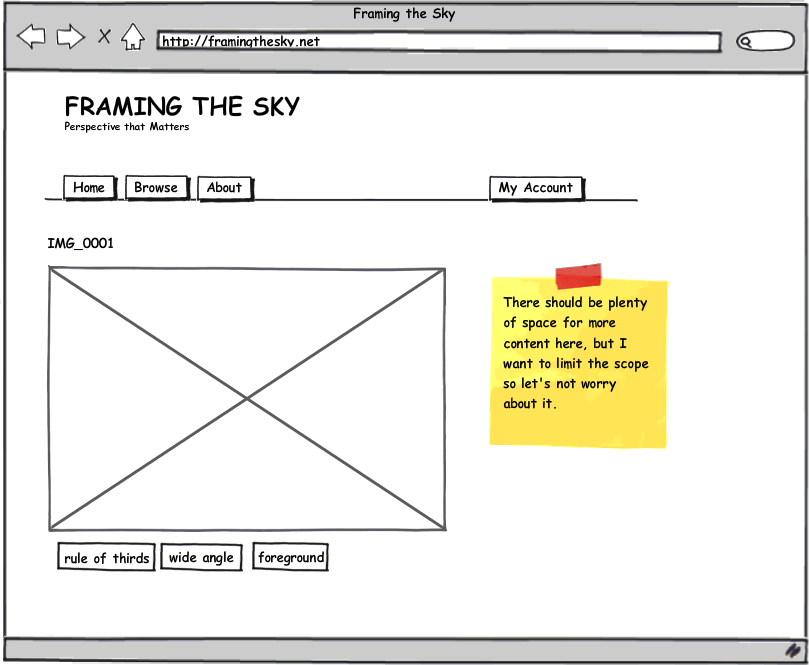
A contributor, given a valid account, will have the ability to upload and annotate a photo. (For the example of this use case, a contributor wants to highlight the strong foreground in the photo.)
- Go to Upload page
- Select a file to upload
- Select Oval tool
- Draw an oval on a region of the photo
- Select Strong Foreground pattern to associate while the oval region is selected
- Publish the photo
Most of the activities a contributor is capable of will be conducted within an administration area where a valid account is required. The following are activities a contributor can perform within the administration area.
- View uploaded photos
- Edit published photos
- Unpublish photos
When annotating a photo, the following are the tools/functionality that can be selected.
- Draw oval region
- Draw rectangle region
- Select region
- Delete region
When a region is selected, the following functionality will be enabled.
- Select pattern
- Deselect pattern
- Add a pattern
- Add a note